Around the House
#47 · Press a recessed reset button
Reach a pinhole reset on a router or device with the pointed tip. Satisfying in a very specific, nerdy way.
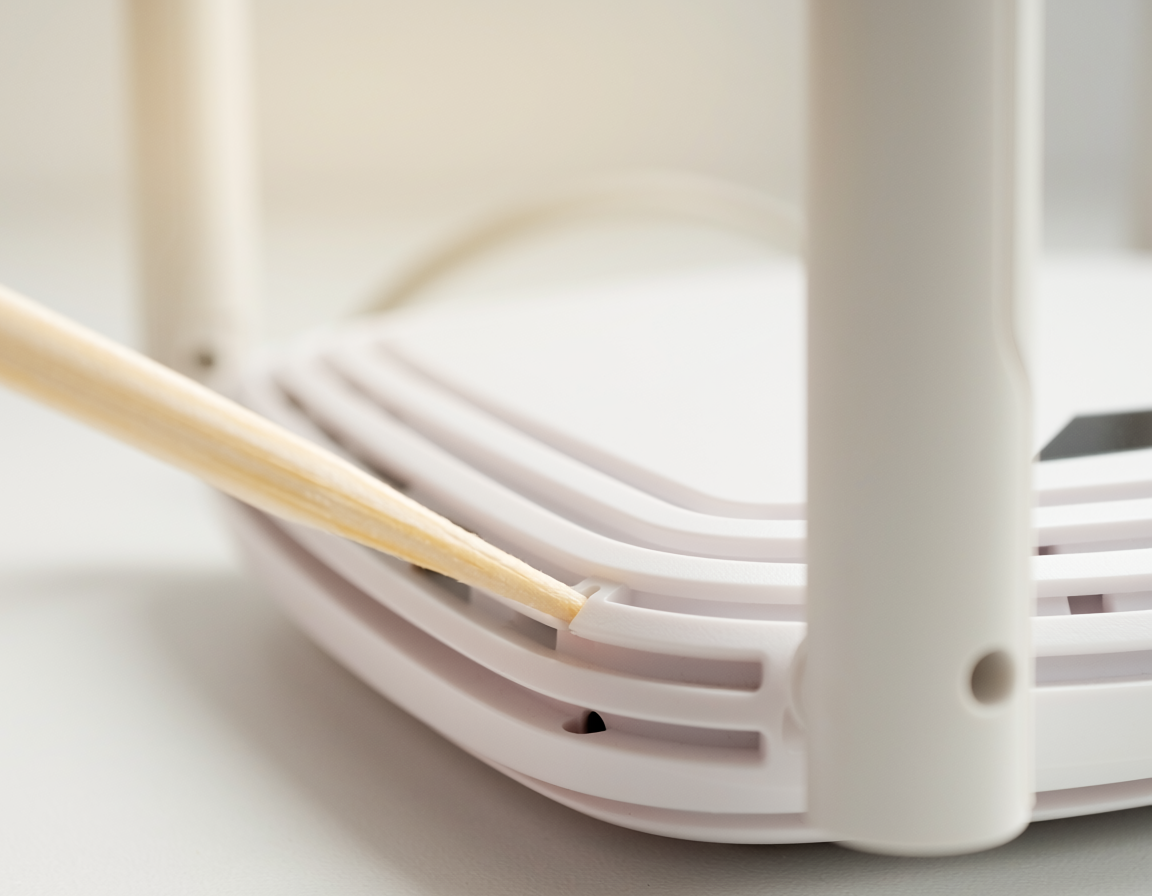
Routers, printers, smart plugs and half the gadgets in the house have a reset button sunk in a pinhole, on the assumption you own a paperclip. A chopstick tip tapers through roughly the same range of diameters and is a great deal easier to hold steady for thirty seconds.
How to do it
- Find the hole - usually marked 'reset', often on the underside or back.
- Check the manual for what you're actually triggering. On many routers a short press reboots and a long press wipes every setting including the wifi password.
- Push the chopstick tip in until you feel the button click.
- Hold for exactly as long as the manual specifies, watching the status light.
- Release, and leave the device alone for a full two or three minutes while it restarts.
Why it works
Recessed buttons exist so they cannot be pressed by accident, and manufacturers size the recess around a straightened paperclip. A chopstick tapers continuously from about 2mm to 5mm, so somewhere along its length it fits almost any reset hole - and unlike a paperclip it doesn't bend when you push.
If it isn't working
- No click and nothing happens: you may be in a vent hole rather than the reset. Look for one that's a single, deliberate hole.
- The tip is too fat to enter: sand it down, or use a straightened paperclip for the very fine ones.
- The device resets but the problem returns: a factory reset rarely fixes a hardware or line fault. Check with the provider before you reconfigure everything.
Tips & warnings
- Sand a splintered tip before use. Bamboo splinters left inside a reset hole are genuinely annoying to extract.
- A snapped half-chopstick is much easier to control than a full-length one.
- Write your router's wifi password down before any long press. People forget this every single time.