Around the House
#52 · Stylus for old touchscreens
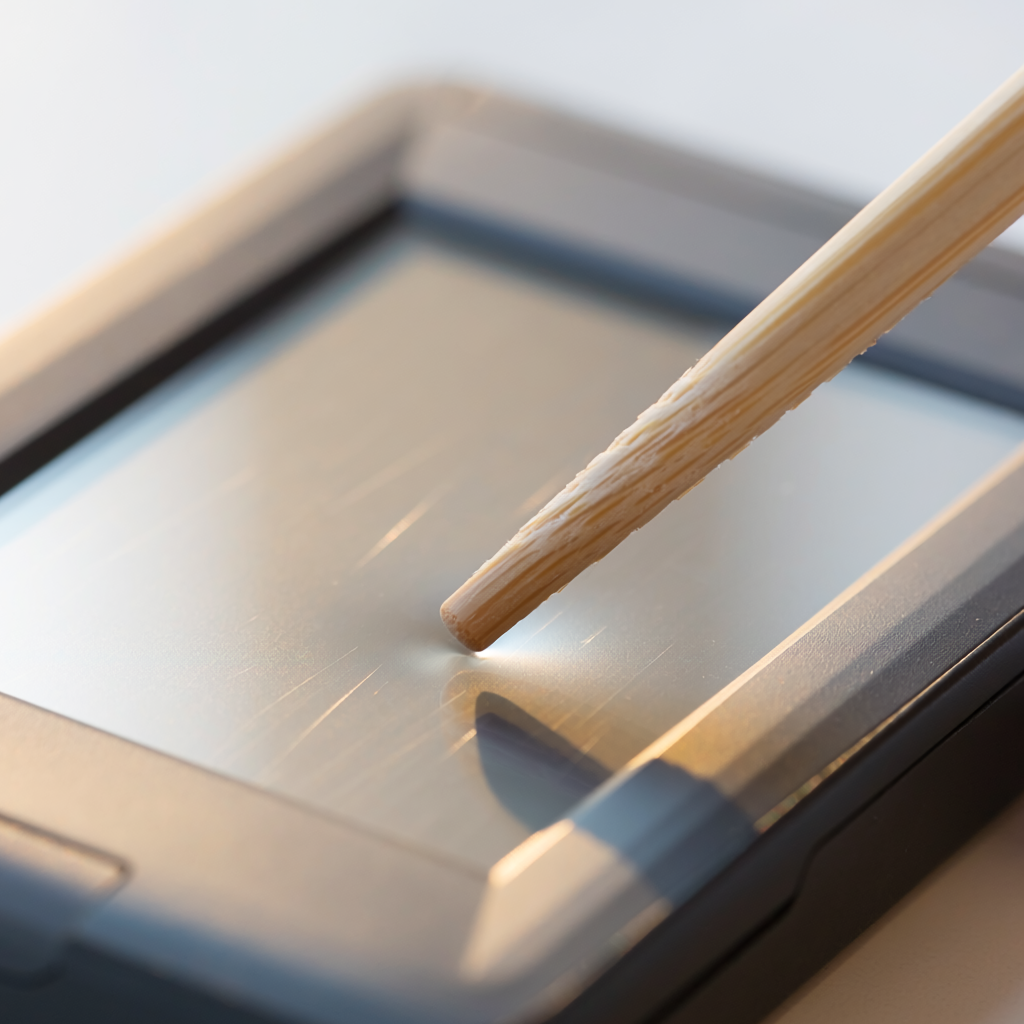
Older resistive touchscreens - think ATMs, card readers, some older tablets - respond to the point of a chopstick. Oddly satisfying.
Resistive touchscreens - the ones on older sat navs, ticket machines, industrial panels and the Nintendo DS - respond to physical pressure rather than to skin. A chopstick with a smoothed tip works as a stylus on all of them.
How to do it
- Sand the tip until it is completely smooth and slightly rounded. This is not optional.
- Test on a corner of the screen away from anything important.
- Press with light, deliberate pressure - resistive screens need contact, not force.
Why it works
A resistive screen is two conductive layers separated by a microscopic air gap. Pressing anywhere pushes the top layer into contact with the bottom one, and the controller reads the position from the resistance at that point. Nothing about it cares what did the pressing, which is why a gloved finger, a fingernail and a bamboo tip all work equally well.
Tips & warnings
- This will not work on a modern phone or tablet. Capacitive screens sense the disturbance a conductive object makes in an electric field, and bamboo is an insulator.
- A rough tip will scratch the soft plastic film on a resistive screen permanently. Sand it properly.
Common questions
How do I tell which kind of screen I have?
Press gently with a fingernail. If it registers, it is resistive. If nothing happens until you use a fingertip, it is capacitive - and no wooden stylus will work on it.